1
Choose a color
Pick one color from the Classic palette.
CREATE + COLOR
Start with a ready-to-color sample in your browser. Need something new? Create line art from an idea, photo, or name.
The playable sample is right below.
“A cheerful fox riding a bicycle”
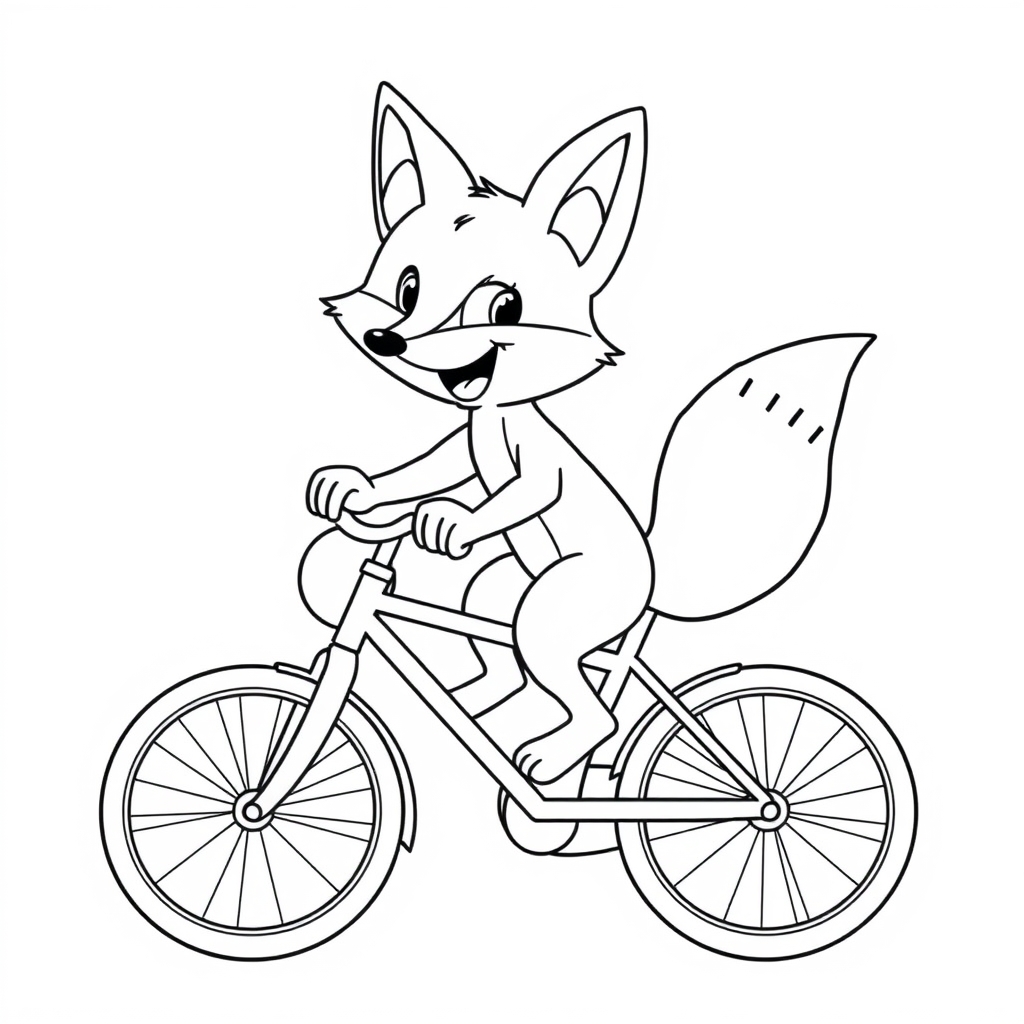

One idea, ready to color your way.
See the result. Try the real sample below.
TRY IT YOURSELF
Choose a color, then tap a region of the fox.
Loading the sample…
App-provided fox and bicycle coloring page
Pick one color from the Classic palette.
Tap an area in the sample to add the selected color.
Open the full editor with the fills you added here.
Choose a separate tool to make new line art. When your page is ready, use “Color it online” to open it in the full editor.
Describe a page you want to make.
Open the text tool →Turn a photo into line art with AI, then repair and color it in your browser.
Open Photo AI →Enter a name and choose a template.
Open the name tool →Text generation requires Google sign-in and uses the daily quota shown in that tool. Photo AI conversion is a Pro/Studio feature that uses 32 credits per conversion. Name pages run in the browser and need no sign-in.
You do not need to sign in to try the sample. Work in this Homepage preview is temporary until you choose Continue in the full editor. In the full editor, work can save in this browser; signing in with Google lets you keep up to 3 artworks in your account. Free PNG downloads include a small semi-transparent watermark and a “created with PageColor AI” footer credit.